Shader graph: Rigid body animation using vertex animation textures

Using Unity 2019.2.1f1, LWRP 6.9.1 and Shader Graph 6.9.1. You can get the article's code and shaders here.

I saw two Youtube talks (The Illusion of Motion, Unleashing Houdini for AAA Mobile Games Production – MIGS) about using specially encoded textures in the vertex shader to animate mesh. Both talks use Houdini to generate animations and because I don't have Houdini, I decided to do everything in Unity.

The whole castle is the single mesh, in which recorded physics simulation.

Shader graph: Force shield with hits

Using Unity 2019.2.1f1, LWRP 6.9.1 and Shader Graph 6.9.1. You can get the article's code and shaders here.

I saw the tweet by Cyanilux and found out that Shader Graph's Custom Node now supports arrays. So I decided to finish my Shield shader, for which I wrote a double-sided mesh generator previously. Also, Cyanilux already posted his shader breakdown.

As the mesh for the shield, I use double-sided mesh generated from Unity's built-in sphere. I described the Depth intersection part of the shader graph in this article.

Force Shield Header

Shader graph: Scan effect

Using Unity 2019.2.1f1, LWRP 6.9.1 and Shader Graph 6.9.1. You can get the article's code and shaders here.

Scan effect shader uses depth intersection to determine where to render the scan object's mesh.

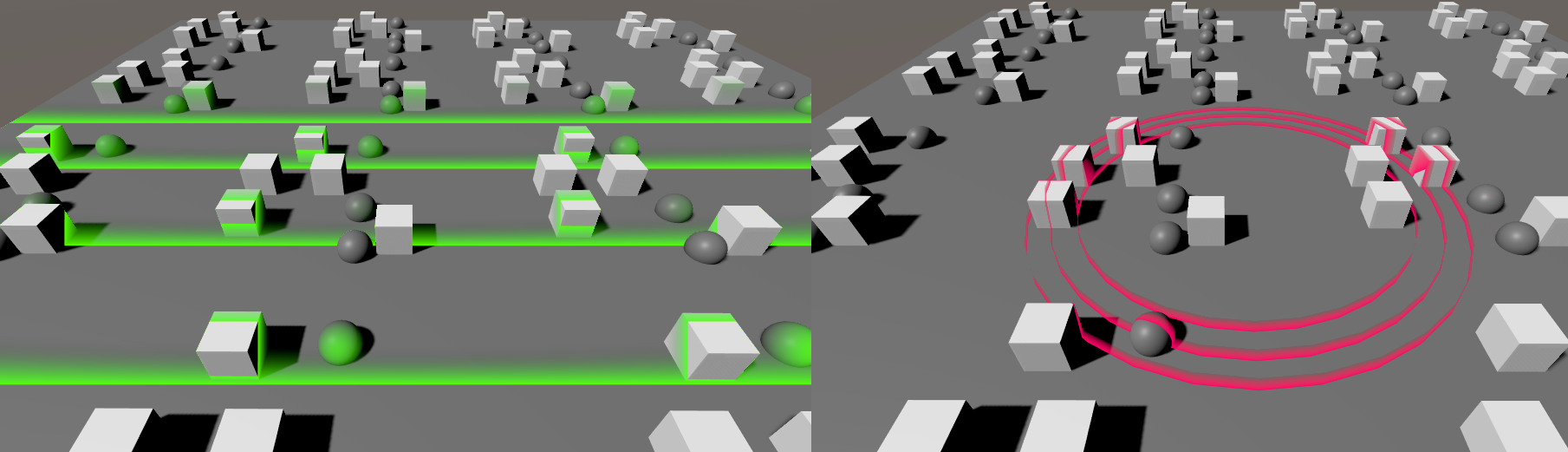
Scan

Double-sided mesh generator

I wanted to create the simple double-sided force field shader but stumbled upon a problem with the double-sided rendering of transparent objects.

You can see that the Cull Off shader has some artifacts. On the other hand, the double-sided mesh with the Cull Back shader doesn't have these artifacts.